Agentic AI for WordPress
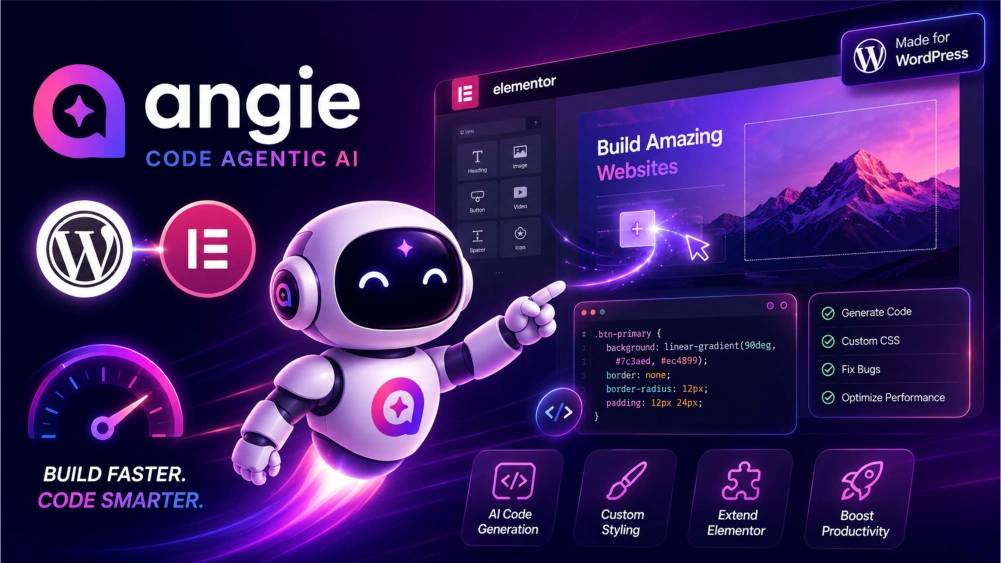
Elementor Agentic AI for WordPress
Create Websites 10x Faster
Build WordPress Websites 10X Faster with Angie Code Agentic AI in Elementor!
Meet Angie Agentic AI in Elementor for creating WordPress Websites 10
times faster and smarter.
Angie AI is your AI-powered coding assistant designed to transform
the way you create WordPress websites. Generate custom Widgets, write clean code,
customize CSS, PHP, and JavaScript, and optimize layouts instantly, all
inside
Elementor
Web Hosting. No more endless coding or troubleshooting. Angie AI helps
you build faster, smarter, and with more creativity. Whether you’re a
beginner or a pro, Angie makes WordPress development effortless. Save
time, boost productivity, and bring your ideas to life with Angie AI driven
precision in Elementor.
✨
Try Angentic AI on Elementor WebHosting
Watch video below Elementor Angie Code Agentic AI for WordPress:
Create Stunning WordPress Websites on Elementor with Angie Agentic AI
Angie Agentic AI for WordPress in Elementor: The Beginner’s Complete Guide to Building Faster, Smarter, and Better Websites
Building a WordPress website used to mean spending hours adjusting layouts, writing CSS, fixing broken code, and searching forums for answers. For beginners, this often felt overwhelming. Imagine trying to create a pricing table, only to spend three hours figuring out spacing issues. That’s where Angie Agentic AI changes everything.
Angie is an advanced AI-powered coding assistant built specifically for WordPress and Elementor users. Instead of manually coding every feature, Angie understands your instructions and generates working solutions instantly using a text prompt. Think of it like having an expert developer sitting beside you 24/7.
For example, if you type, “Create a modern hero section with a call-to-action button and gradient background,” Angie can build it instantly. No coding stress. No guesswork. Just results.
This makes Angie perfect for beginners, freelancers, agencies, and
business owners.
Why Angie Agentic AI is Different From Regular AI Tools
Most AI tools are generic. They can write code, but they don’t understand Elementor’s structure. Angie is built for Elementor workflows. Imagine asking a general AI to create a custom accordion widget. It may give you random HTML and CSS that doesn’t work properly inside Elementor. Angie, however, knows how Elementor widgets function.
For example:
A beginner named Alex wants to create animated testimonial sliders.
Without Angie:
- Alex watches 6 YouTube tutorials
- Copies code from 3 blogs
- Spends 5 hours debugging
With Angie Agentic AI
Alex simply types:
“Build an animated testimonial slider with autoplay and star ratings.”
Result? Angie generates it in minutes. That’s the power of context-aware AI.
How to Get Started with Angie Agentic AI in Elementor
Starting with Angie Agentic AI is simple, even if you have never built a website before.
Step 1: Install WordPress
First, install WordPress on your hosting.
Example:
If you
Buy hosting from a provider like
Contabo Web Hosting they
usually offer one-click WordPress installation.
Within five minutes, your website is live.
But when you go to
Elementor
Web Hosting you get WordPress preinstalled with Angie
Agentic AI. Elementor is built around WordPress.
Step 2: Install Elementor
Next, install Elementor if you are using WordPress on a Web Hosting like Contabo as below:
Go to:
Dashboard → Plugins → Add New → Search “Elementor”
Install and activate.
Example:
Think of Elementor as your drag-and-drop builder. It’s where Angie
Agentic AI no-code website builder works.
Without Elementor, Angie has no workspace.
Step 3: Install Angie Agentic AI
If you are already on Elementor Web Hosting then you can skip this step.
If you are on Contabo or such other web hosting, once Elementor is active, you will have to install Angie.
After activation, you’ll see the Angie Agentic AI panel inside the Elementor editor.
Example:
It appears like a smart assistant window, ready to accept commands. This is where your website-building speed changes forever.
Understanding How Angie Agentic AI Works
Angie Agentic AI works using natural language commands. This means you simply type what you want.
Example:
Instead of saying:
“I need to manually create custom CSS.”
You can simply type:
“Make this button glow on hover.”
Angie understands the intent.
Another example:
Type:
“Create a pricing table with three plans.”
Angie Agentic AI instantly creates:
- Basic Plan
- Pro Plan
- Enterprise Plan
All styled professionally. This removes technical barriers.
Creating Custom Widgets with Agentic AI Angie
One of Angie’s biggest strengths of Agentic AI Angie in Elementor Web Hosting is widget creation.
Let’s say you want: A countdown timer for a sale.
Normally, You would need:
- HTML
- CSS
- JavaScript
That’s hard for beginners.
With Agentic AI Angie on Elementor Hosting:
Type:
“Create a countdown timer for a Black Friday sale.”
Done.
Example:
If your sale ends in 3 days, Angie builds the timer and updates it
automatically.
This increases urgency and conversions.
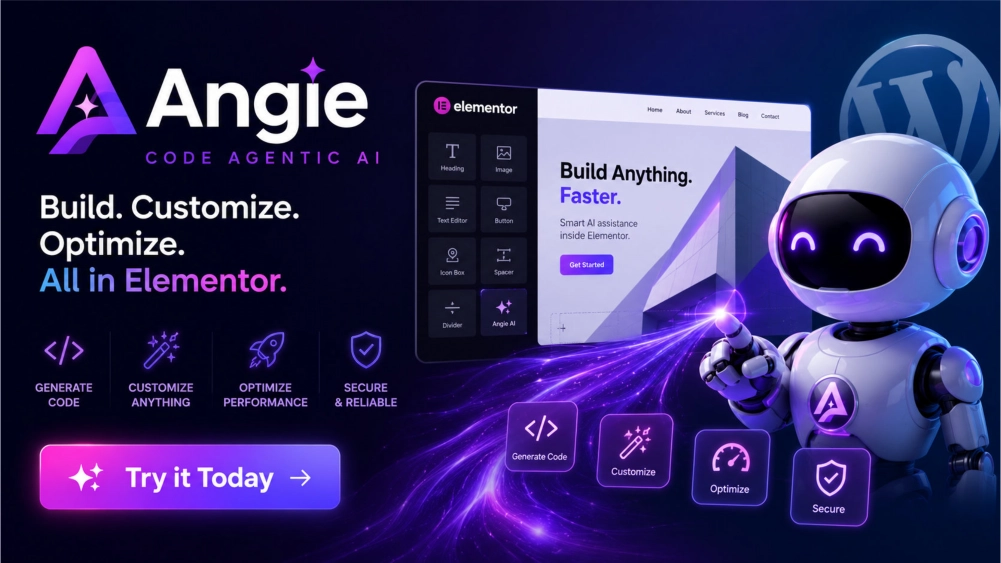
Using Angie Agentic Ai for CSS Styling
CSS styling is where many beginners struggle.
Example: Sarah wants rounded buttons with shadows.
She doesn’t know CSS. So she types:
“Make all buttons rounded with soft shadows.”
Agentic AI Angie in Elementor Web Hosting applies these instantly:
- Border radius
- Box shadow
- Padding adjustments
Another example of Agentic AI Angie capability:
Type:
“Create glassmorphism effect.”
Angie creates the modern frosted-glass design.
No coding knowledge needed.
Using Agentic AI Angie for Layout Optimization
Bad layouts ruin websites.
Example:
A mobile menu overlaps content.
Normally, fixing it means trial and error.
With Agentic AI Angie:
Type:
“Fix mobile responsiveness.”
Angie detects and adjusts.
It may:
- Reduce padding
- Resize text
- Stack columns properly
Example:
Your desktop layout has 4 columns.
On mobile, Angie converts it into 1 clean column.
That’s professional responsiveness.
Building Landing Pages Faster
Landing pages are essential for sales.
Imagine promoting an online course.
Without Agentic AI Angie:
It may take 8 hours.
With Angie Agentic AI in
Elementor
Web Hosting:
You can build it in under 1 hour.
Example command:
“Build a high-converting landing page for an English course.”
Angie can generate:
- Hero section
- Features
- Testimonials
- Pricing
- FAQ
- CTA
This saves huge time. Perfect for marketers.
Creating WooCommerce Enhancements With Agentic AI
If you run an online store using WooCommerce, Agentic AI Angie becomes even more powerful.
Example:
You want product badges like:
“Best Seller”
“Limited Stock”
Type:
“Add dynamic product badges.”
Done.
Another example:
“Create a sticky Add to Cart button.”
Angie creates it.
This improves conversions.
Fixing Bugs with Agentic AI Angie
Every website has bugs.
Buttons break.
Spacing goes wrong.
Forms stop working.
And a beginner panics.
Agentic AI Angie in Elementor Web Hosting helps fix problems quickly.
Example:
You notice:
A form button disappears on mobile.
Type:
“Fix missing submit button on mobile.”
Agentic AI analyzes and corrects. It’s like having technical support built in.
Improving Website Speed with Agentic AI
Speed matters. A slow site loses visitors.
Example:
A 5-second load time can kill conversions.
Type:
“Optimize this section for speed.”
Agentic AI Angie in Elementor Web Hosting can:
- Reduce animations
- Simplify code
- Remove unnecessary scripts
This improves performance.
Faster sites rank better in Google.
Creating Advanced Animations Using Agentic AI in Elementor
Animations make websites feel premium.
Example:
A headline fades in while scrolling.
Without Angie:
Requires JavaScript.
With Agentic AI Angie in Elementor Web Hosting:
Type:
“Animate headline on scroll.”
Done.
Another example:
“Create floating icons animation.”
Angie builds it.
This makes your site look modern.
Using Agentic AI Angie for Business Websites
Local businesses can benefit greatly.
Example:
A restaurant needs:
- Menu page
- Reservation form
- Gallery
Elementor Web Hosting has Agentic AI Angie that can build all of it.
Type:
“Create a restaurant homepage.”
Within minutes, you have a professional design.
This saves money on hiring developers.
Using Agentic AI Angie for Freelance Work
Freelancers can complete more projects in less time using Agentic AI Angie in Elementor
Example:
Before Agentic
AI Angie:
A freelancer builds 3 sites per month.
After Agentic AI Angie in Elementor:
The same freelancer builds 8 websites.
That means more income.
Faster delivery = happier clients.
Angie becomes your secret weapon.
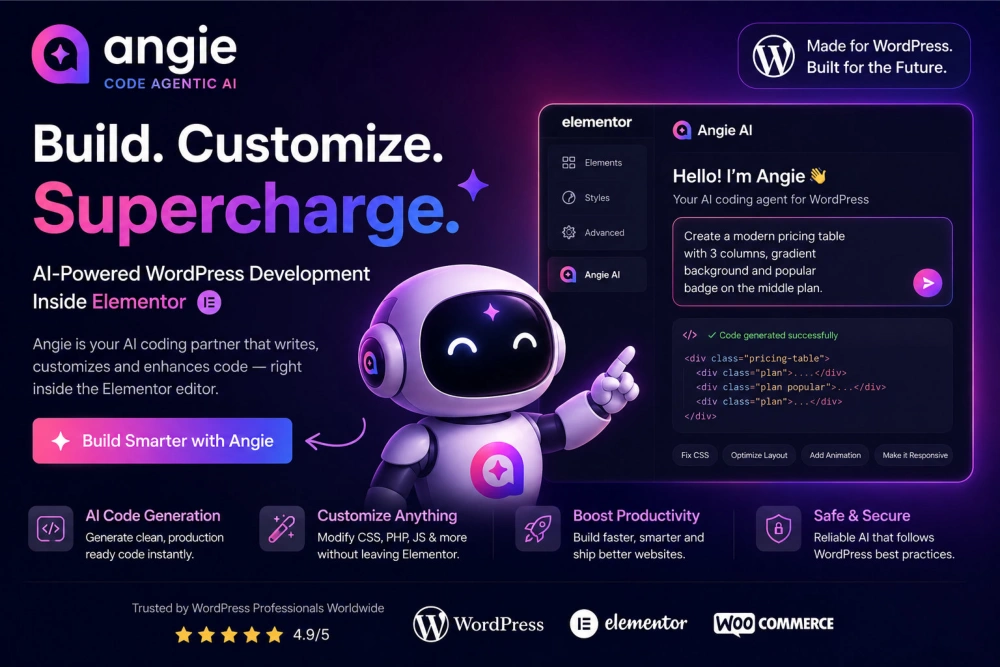
Using Agentic AI Angie for Agencies
Agencies love speed. Imagine handling 20 client websites.
Without Agentic AI Angie:
Massive workload.
With Agentic AI Angie in
Elementor
Web Hosting:
You can create reusable AI workflows.
Example:
Generate multiple landing pages quickly.
This increases profit margins.
Real Beginner Example: Building a Fitness Website
Let’s say John is new.
He wants a gym website.
He asks Agentic AI Angie in Elementor:
“Create a hero section for a gym.”
Agentic AI Angie builds it.
Then:
“Add trainer profiles.”
Done.
Then:
“Create membership pricing.”
Done.
Then:
“Add testimonial carousel.”
Done.
In 2 hours, John has a complete fitness website.
Without Agentic AI Angie in Elementor, this might take 2 weeks.
That’s the real value.
Best Practices for Using Agentic AI
To get better results:
Be specific.
Bad prompt:
“Make this better.”
Good prompt:
“Add a dark background, white text, and neon button.”
Specificity improves quality.
Example:
Think like giving directions.
The clearer your directions, the better Agentic AI Angie performs.
Common Mistakes Beginners Make
Mistake 1:
Being too vague.
Mistake 2:
Changing too many things at once.
Mistake 3:
Ignoring mobile responsiveness.
Example:
Always test desktop, tablet, and mobile.
Angie Agentic AI in
Elementor
Web Hosting can help fix all versions.
Why Agentic AI Angie in Elementor Saves You Money
Hiring a developer costs huge money.
Example:
Custom widget = $100 to $500.
With Angie:
That same widget can be generated instantly
and freely using Agentic AI.
If you build 20 custom widgets yearly, the savings are massive. It pays for itself quickly.
Why Agentic AI Angie on Elementor Saves You Time
Time is money. If Angie saves:
2 hours daily
That’s:
- 14 hours weekly
- 56 hours monthly
- 672 hours yearly
Imagine what you can do with that time.
- Take more clients.
- Launch faster.
- Grow bigger.
Who Should Use Agentic AI Angie in Elementor?
Agentic AI Angie is perfect for:
- Beginners
- Bloggers
- Freelancers
- Agencies
- Store owners
- Course creators
- Local businesses
If you use Elementor, Angie fits naturally.
No learning curve.
The Future of WordPress Development is Agentic AI
Web development is changing. Agentic AI is no longer optional. Those who adapt build faster.
Example:
Five years ago, coding was manual.
Today, Agentic AI accelerates everything.
Angie Agentic AI in Elementor Web Hosting is leading this shift inside Elementor.
It gives beginners expert-level capabilities. That’s revolutionary.
Final Thoughts: Why Agentic AI Angie is Worth It
If you’re serious about building better WordPress websites faster, Angie Agentic AI on Elementor is one of the smartest investments you can make.
- It simplifies coding.
- Improves speed.
- Fixes bugs.
- Creates widgets.
- Optimizes layouts.
- Builds landing pages.
Most importantly—it makes beginners feel like professionals.
Imagine turning your ideas into reality simply by typing.
That’s not the future.
That’s Agentic AI Angie in Elementor Web Hosting.
Start using Angie today and transform the way you build with Elementor forever.